What it does
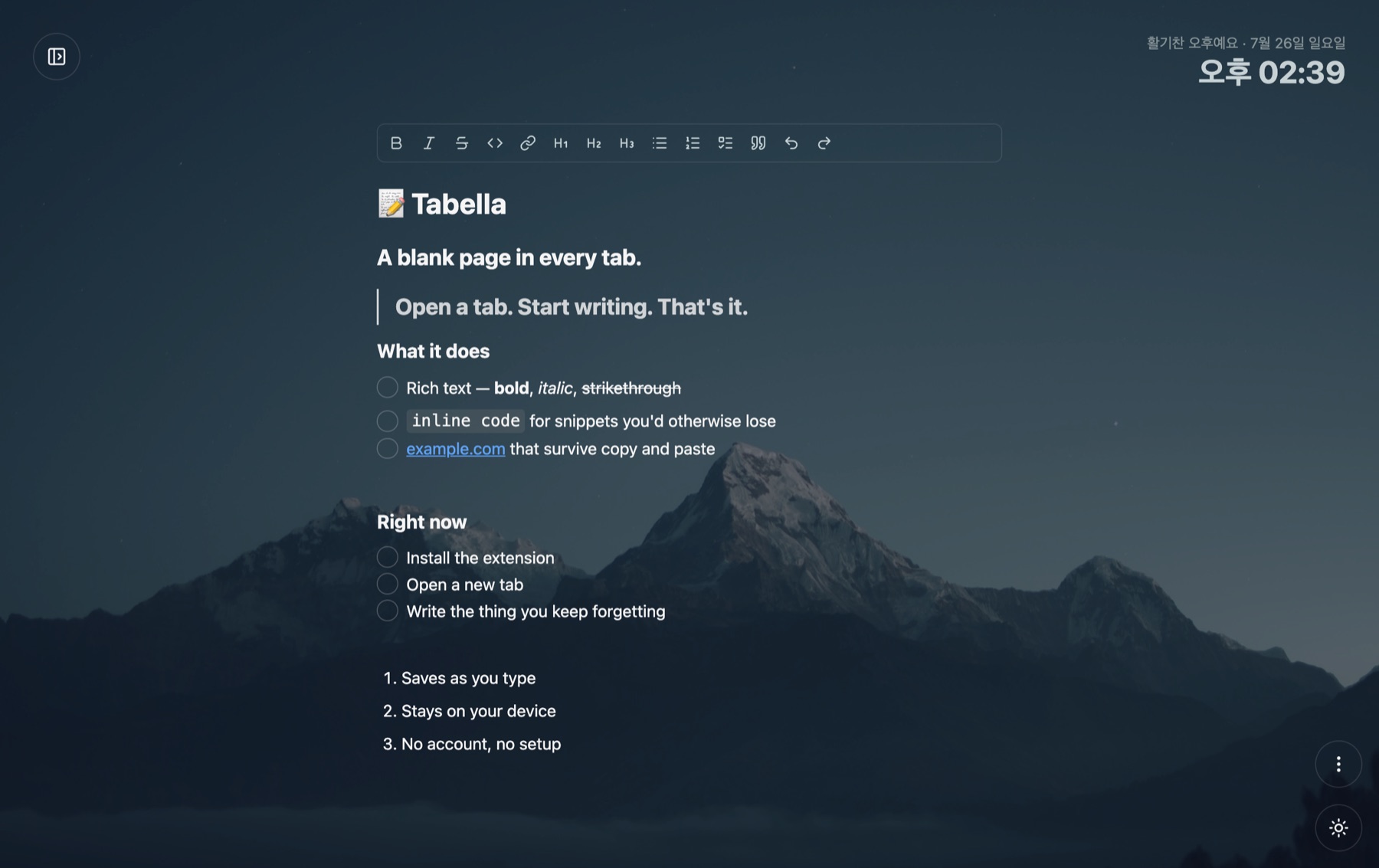
Open a new tab and start writing right away. Everything you write stays there — no save button, no login screen, no first-run tour.
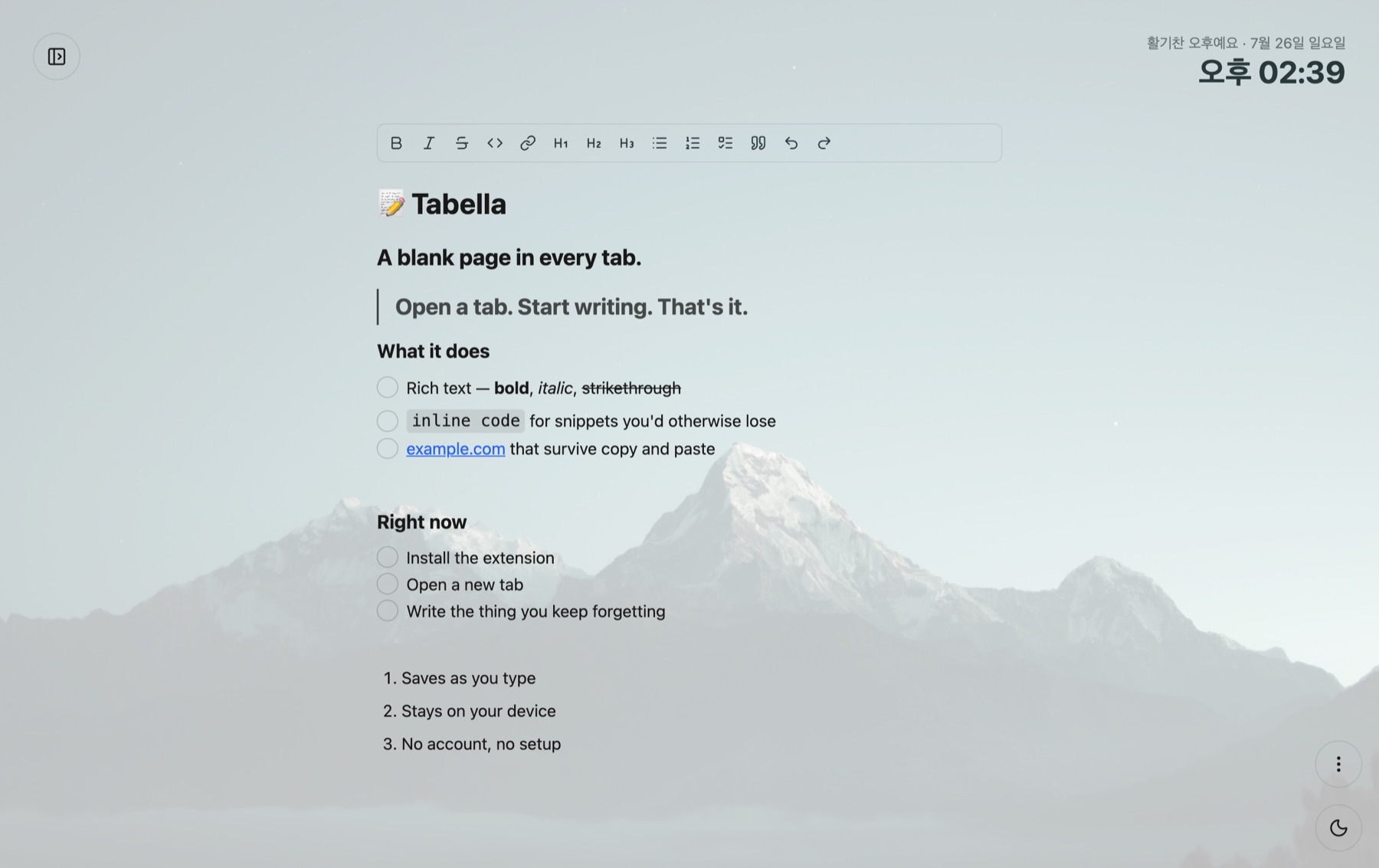
- Rich text — bold, italic, strikethrough, inline code, links, and three heading levels.
- Lists that hold up — bullets, numbers, checkboxes, and blockquotes.
-
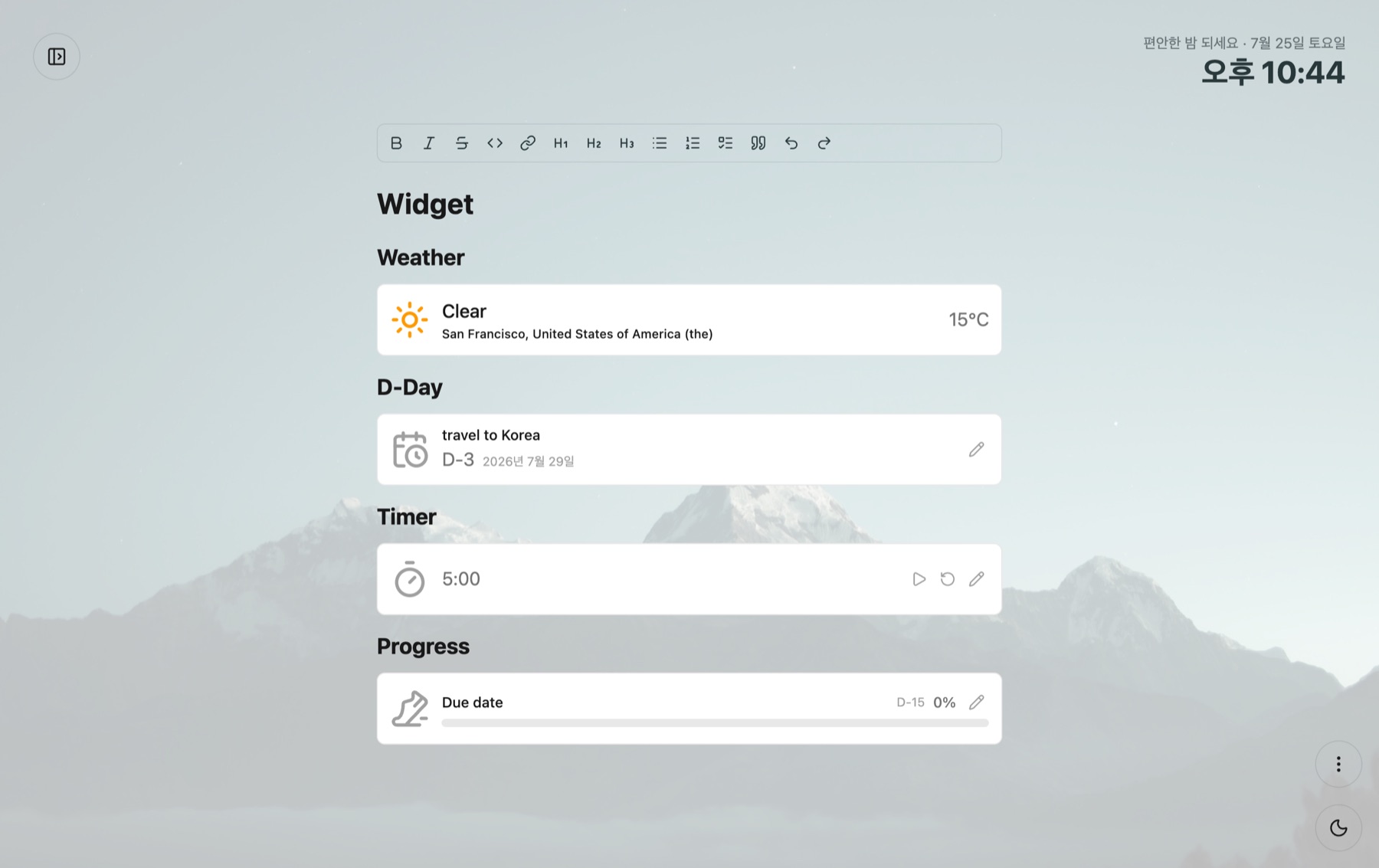
Widgets — type
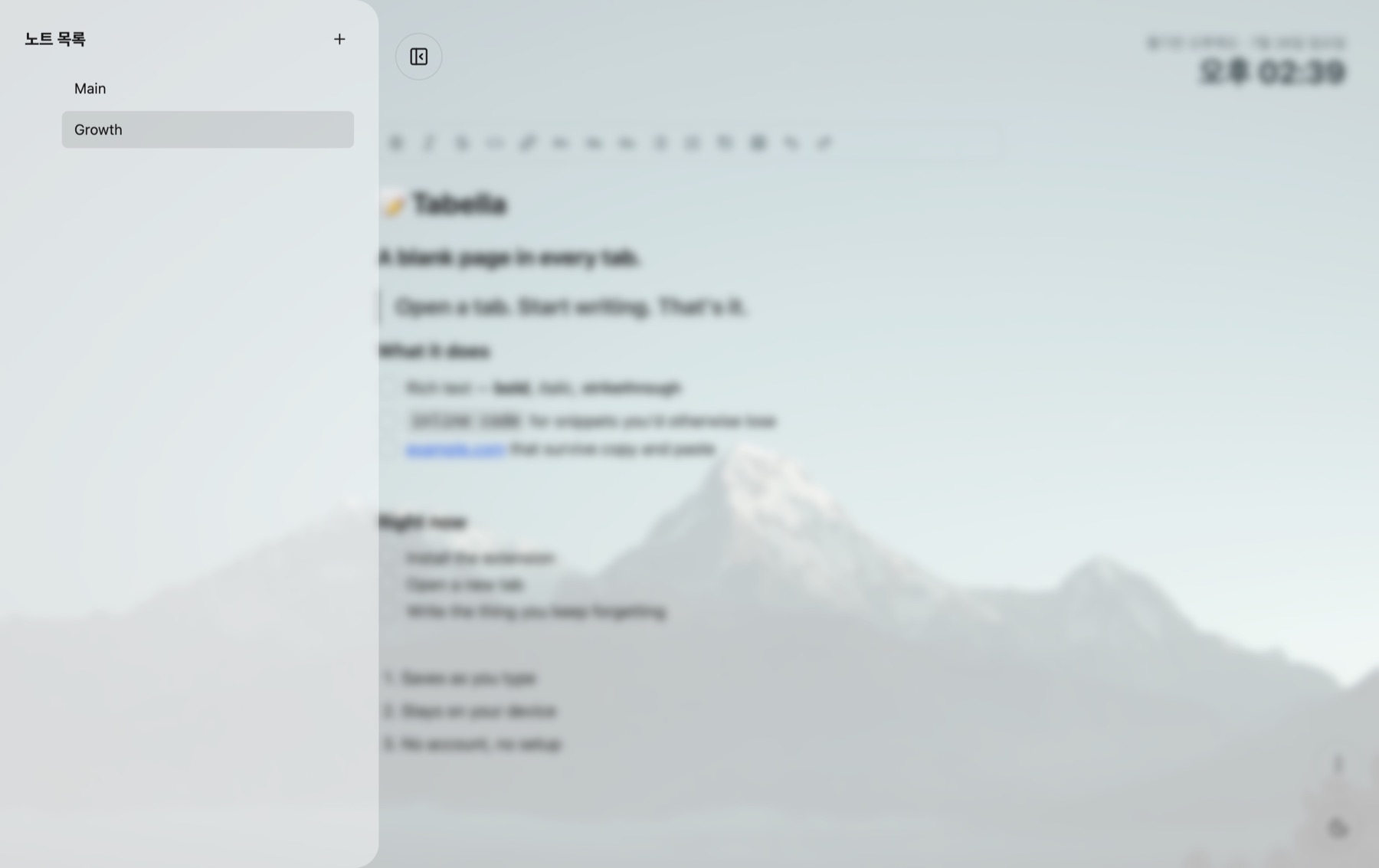
/for a countdown, a timer, a progress bar, or the weather — and drop two of them side by side. - Many notes — keep them in a sidebar, rename them, drag them into the order you want.
- Saves as you type — and every other tab you have open updates at the same moment.
-
Markdown export — download any note as a
.mdfile and take it somewhere else. - Light and dark — plus a clock, the date, and a greeting that changes with the hour.
Permissions
"permissions": ["storage"]
That's it, plus two weather-API domains if you turn on the weather widget.
No access to the pages you visit. No background process. By default, no network requests — the one exception is the optional weather widget, which sends your coordinates to two weather APIs to show the temperature. Your notes are always written to your browser's local storage and never leave the machine.
See it
What it does not do
Worth knowing before you install, so nothing surprises you later.
- Works offline. Everything except the weather widget — that one needs a moment online to fetch the temperature.
- Keeps notes between tabs. Open five new tabs; they all show the same note.
- Does not sync between computers. Notes live on the machine you wrote them on. Use the markdown export to move them.
- No account, so no recovery. Clearing your browser data clears your notes too.
Privacy
Nothing about your notes is collected, tracked, or transmitted. The one exception is the optional weather widget. The full policy is short enough to read in a minute.